Console Offers
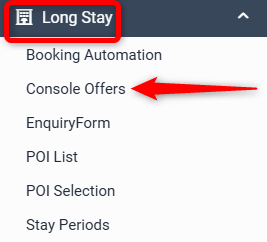
Console Offers allows rooms in Console to be offered to applicants. To send a new offer go to Long Stay > Console Offers
The table will Overview offers that have already been sent out, showing if they Offered (awaiting payment), Paid or Manually Settled.

Send New Offer
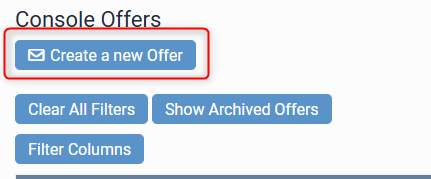
Select Create a new Offer
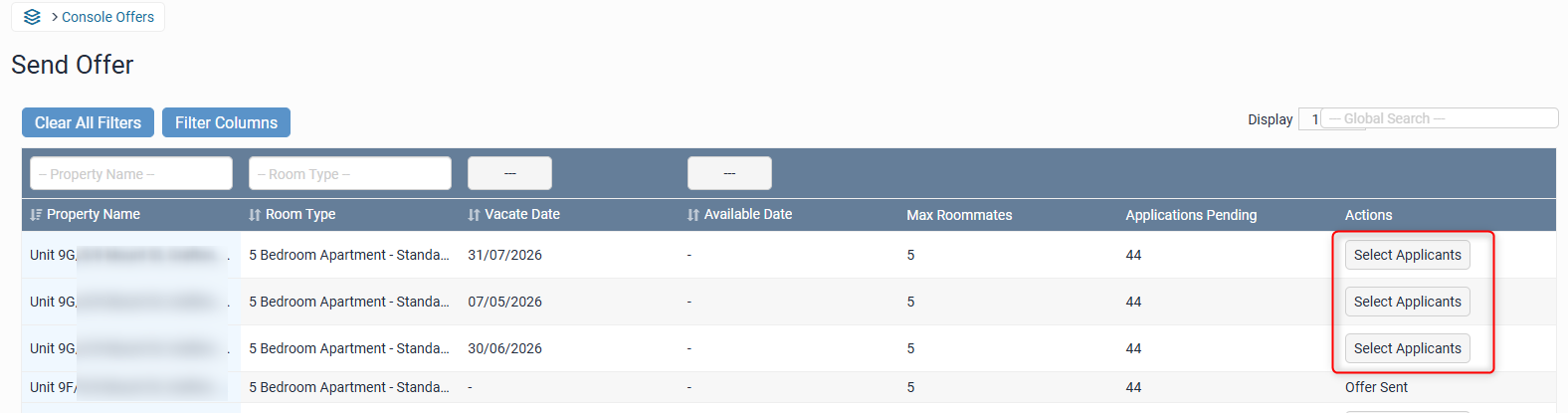
Rooms available for offer will show in the list. Find the room you would like to offer and Select Applicants. If a room has already been offered it will say Offer Sent.
Important - to ensure the room displays in the list, the below items MUST be set up correctly.
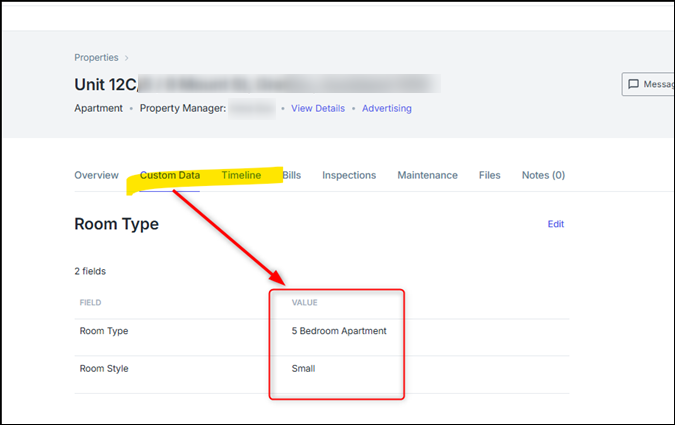
- Within Console the room type category needs to be attached to the room (called Custom Data in Console)
- Room must be active for tenant application process in Console. If the room does not show in this list, it will not be available to offer.
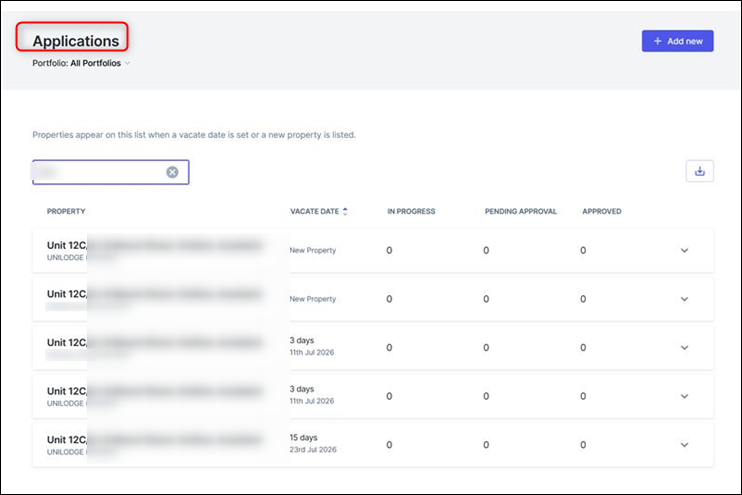
- Room type must be mapped in Levart > Channel Control > Console.
- A Transaction Template must be set up for the room type under Long Stay > Transaction Templates.
Select Applicant
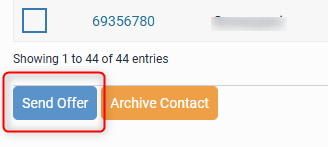
All applicants for this room will show in the list - select (tick the box) for the person you are offering too and click Send Offer
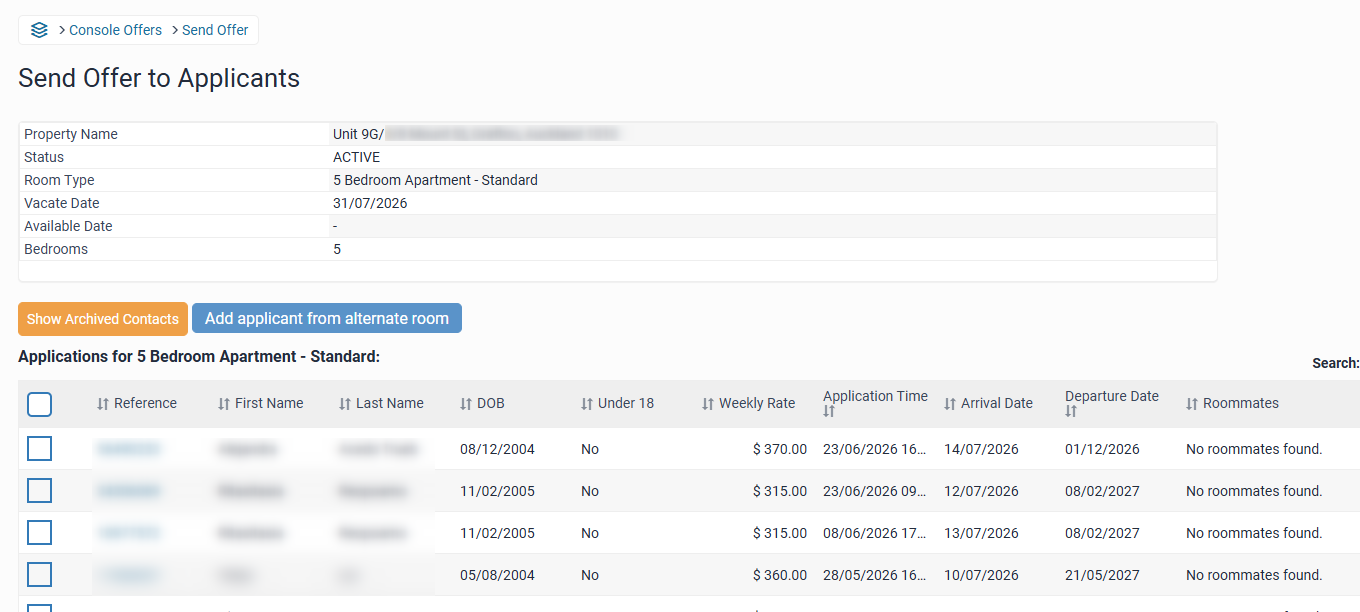
The offer the room to someone who applied for a different room, select Add applicant from alternative room.