Profile
Overview
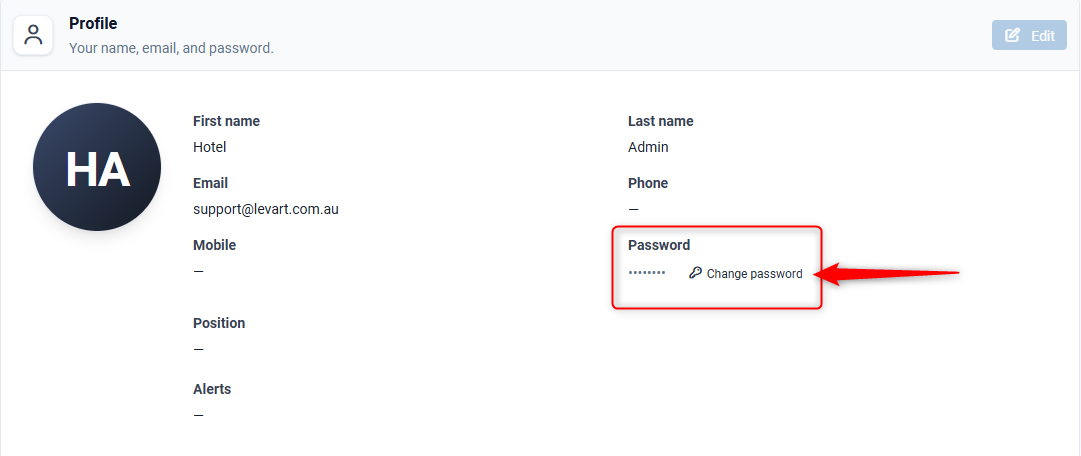
Your Profile lets you manage the information associated with your account, including updating your contact details and changing or resetting your password.
You can also:
- Set up and manage two-factor authentication (2FA) for added security.
- Register a passkey for faster, passwordless sign-in.
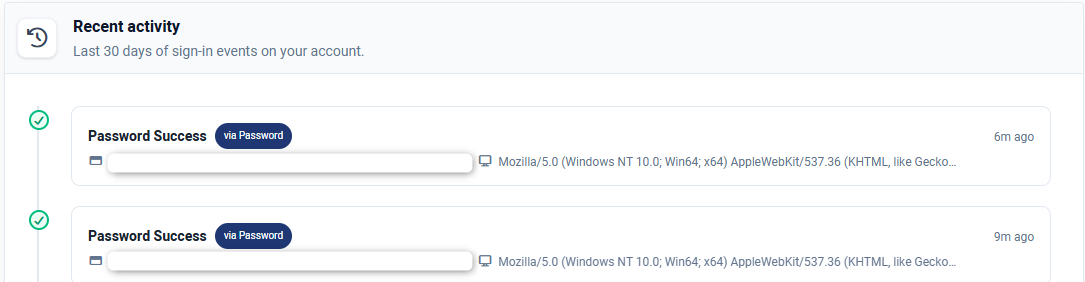
- View your login activity to monitor recent account access.
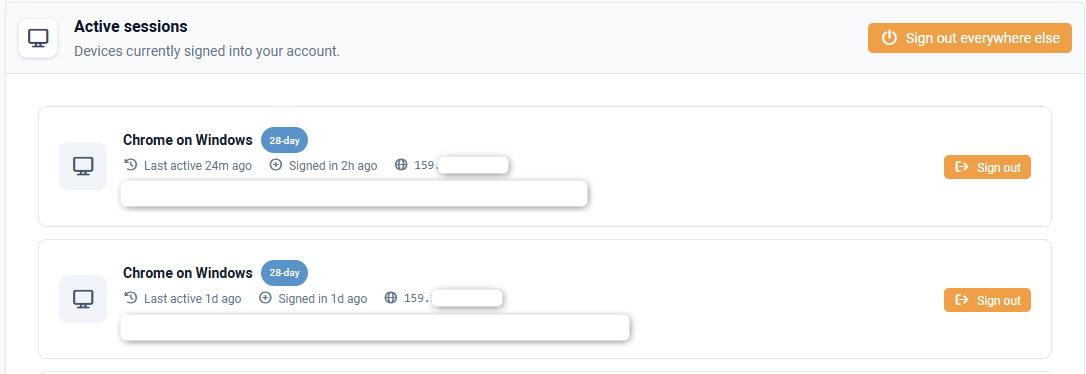
- Remotely sign out of active sessions on websites and devices linked to your account.
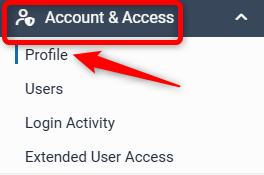
To access profile go to Account & Access > Profile
Profile
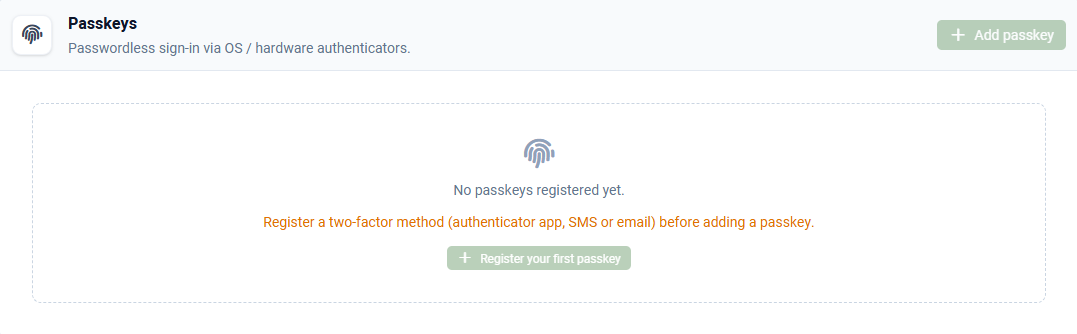
You’ll need to set up two-factor authentication (2FA) before you can edit your profile or configure a passkey.
In the meantime, you can still use Change password feature to update or reset your current password.
Secure Your Account
To help protect your account and keep your access secure, please set up two-factor authentication (2FA) or a passkey.
Benefits include:
- Enhanced security – Prevents unauthorized access by requiring more than just your password.
- Self-service password reset – Reset your password yourself if you forget it, without needing to contact support.
- Required for sensitive account changes – Needed to verify your identity when making security-related updates to your account.
Important: Two-factor authentication will soon be mandatory for all accounts. Setting it up now will help ensure uninterrupted access to your services.
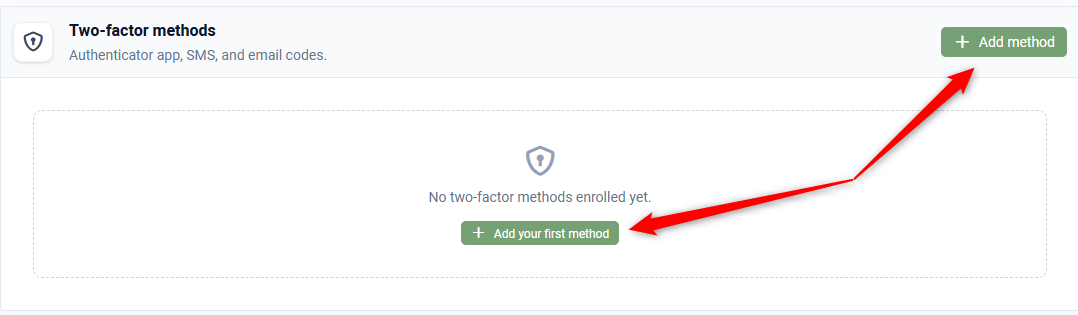
Two-factor authentication (2FA)
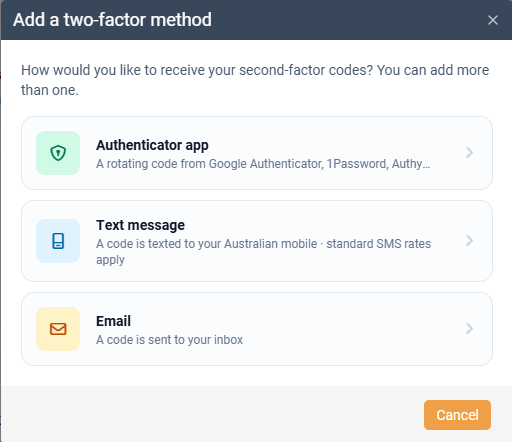
When adding a two-factor authentication method, select one of the available options to receive your verification codes. You may add multiple methods for greater flexibility and account security.
Passkeys
Sign in using your device's fingerprint, face recognition, or PIN instead of a password.
Active Sessions and Recent Activity
Stay informed about your account security by reviewing sign-in activity from the past 30 days and remotely signing out of any active sessions on websites and devices associated with your account.