Home
Overview
When a guest searches for a property on the UniLodge portal it will land on a property information grid (pictured below). Levart has added a blurb and external property image please have a look over them and if you would like to edit please follow the steps below.
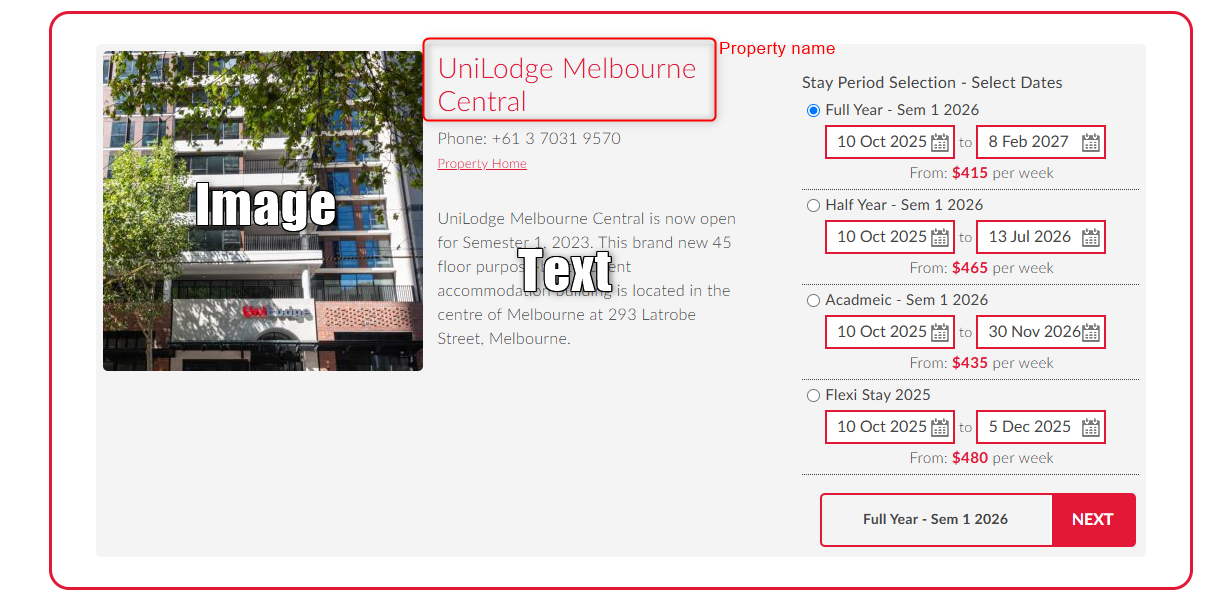
Setup
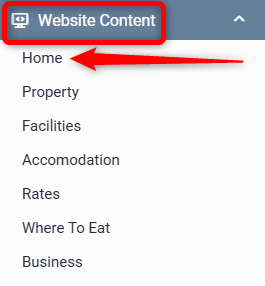
Go to Website Content > Home
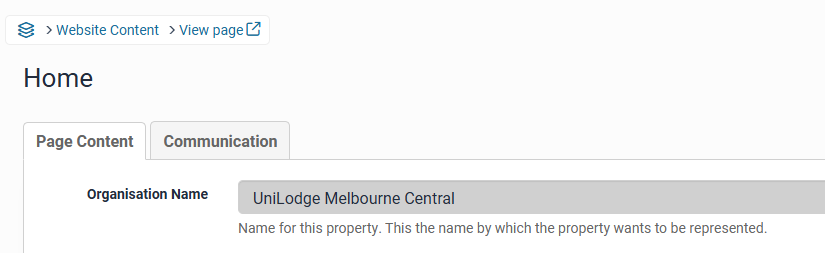
Organisation Name – this is added by Levart. Contact unilodge@levart.com.au if this needs to be changed
To edit text
Add/Edit content to the Organisation Text, this should be no more than 250 characters. Once you are happy with any changes scroll to bottom of page and click Update Page

To edit image
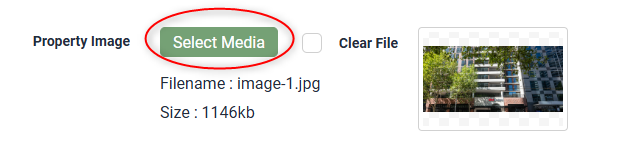
Next to Property Image click Select Media
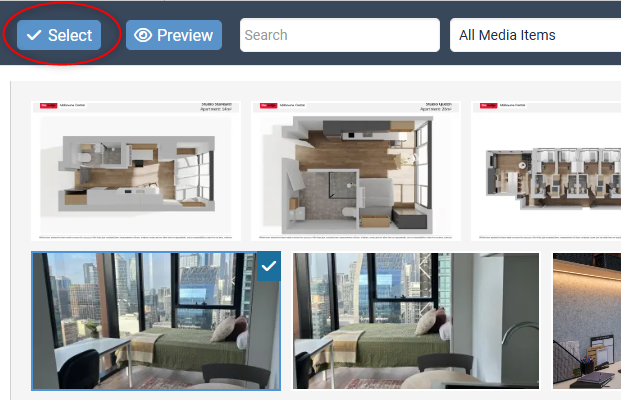
Your Image Library will pop up. Choose an image that's already been uploaded or add a new one by clicking the Upload button.
Once you have selected your image click Select
Click Update Page at the bottom to ensure your changes are saved.

Should you require any further assistance, please contact unilodge@levart.com.au