Edit Questions
Overview
The Questions Section provides the property the ability to provide answers in a consolidated section to the most common questions asked of staff.
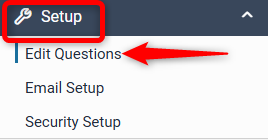
To set up the section click on the EDIT QUESTIONS link under Setup.
How to add a new question
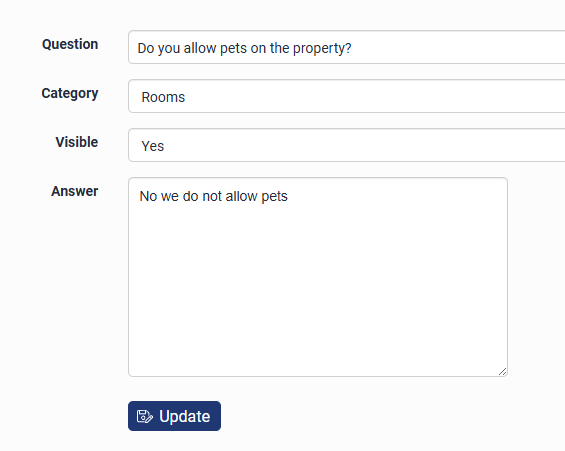
Click + ADD NEW QUESTION
In the ‘Question’ line, enter the question you wish to create
Select a category from the drop down menu that specifies what the question is about
Set the visibility to Yes or No if you want it to be viewable by others
Input the answer in the ‘Answer’ segment.
Click SAVE
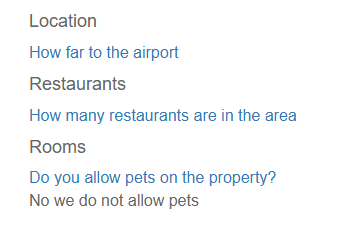
The question will then display in the FAQ page if you have added it to the website under Website Content > Questions.
Please contact support@levart.com.au if you require assistance.