Members
Overview
The Members function allows properties to collect the details of guests who choose to sign up to the property newsletter or marketing database.
Signing Up
The data comes from both the property Website and Booking Engine.
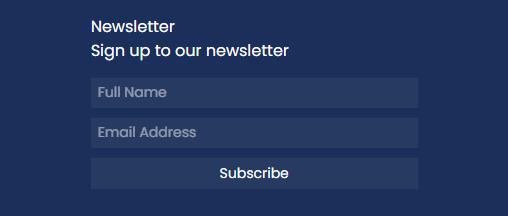
There is a Newsletter signup option in the Website footer:
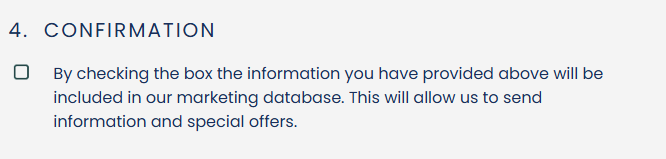
As well as a checkbox in the Booking Engine Payment Page. When this checkbox is ticked, the guest details will be saved:
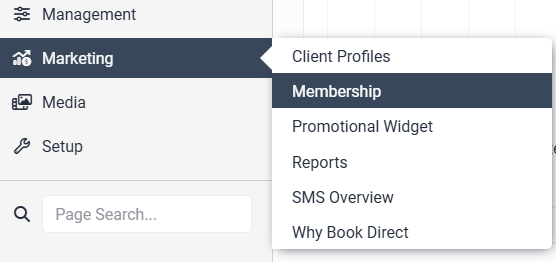
Once a guest has chosen to join the property Newsletter or Marketing database, their details will be stored in the Levart Admin site. To access these, go to Marketing and then Membership:
From the Membership page, you can add, edit, and delete individual members by clicking on Members List:
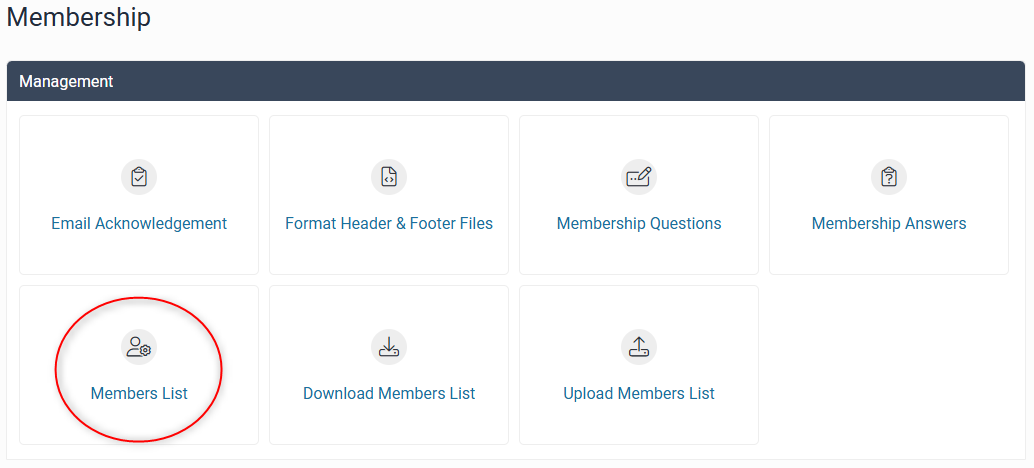
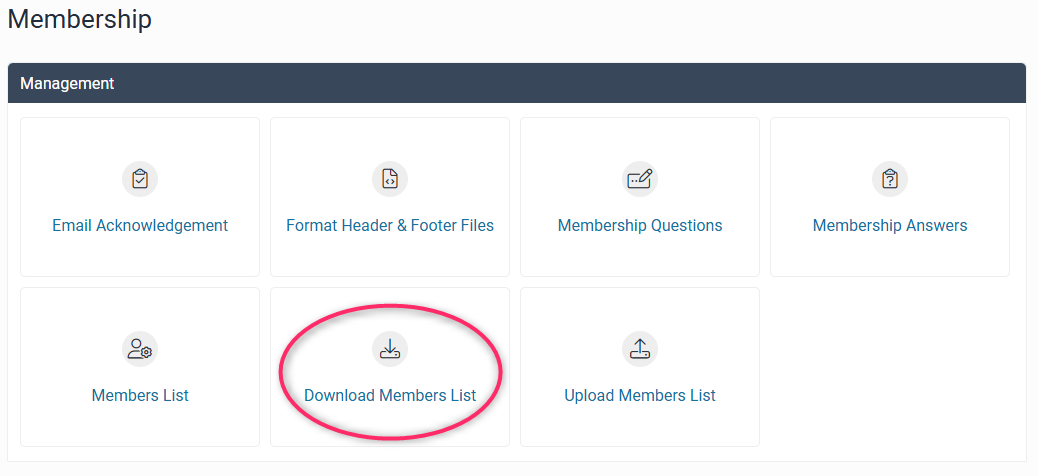
You can download a CSV file with all member details, which will allow you to send marketing emails to members, by clicking Download Members List:
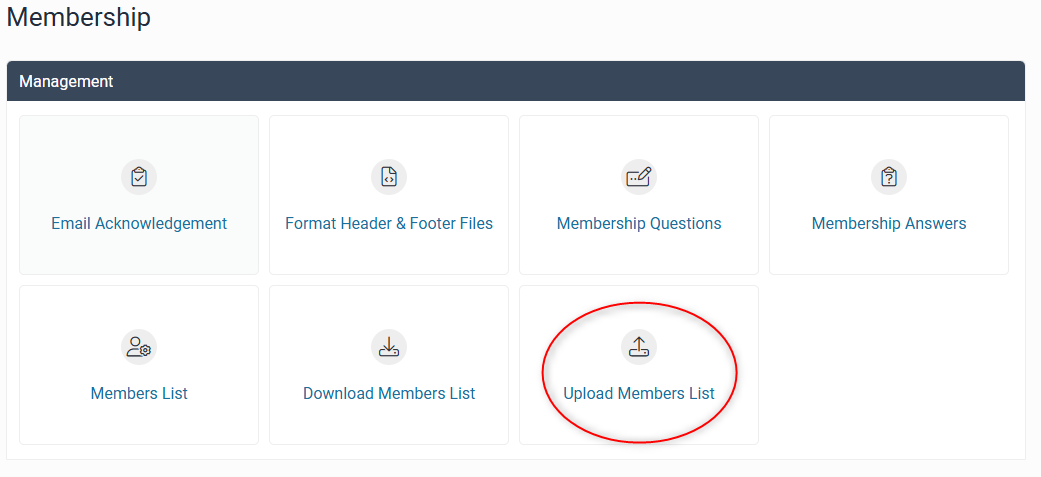
You can also upload a CSV file to your Levart Members List via Upload Members List:
Please do not hesitate to contact support@levart.com.au if you require assistance.