Levart Admin Page
Overview
Enter your Login Name and Password provided by Levart or by your Property Manager.
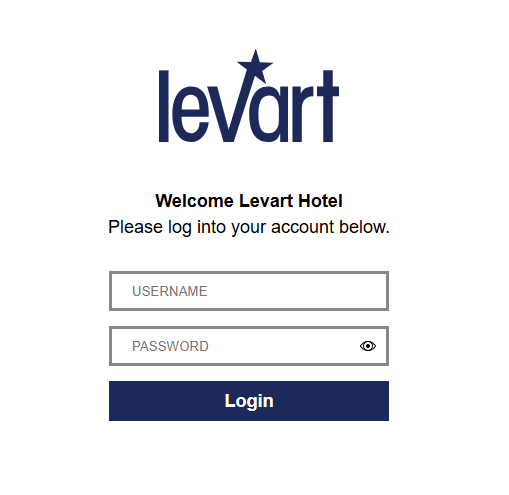
Once you have logged in, save the page to your favourites.
Dashboard
Click the Dashboard link or Levart logo to go to the Dashboard page.
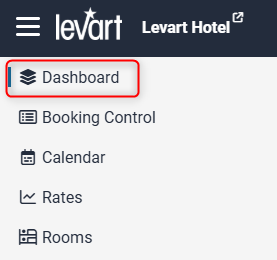
On the Dashboard you can see a number of different notifications and data.
View Live Site
Click your property name to open the live view of your website or booking engine

Notifications
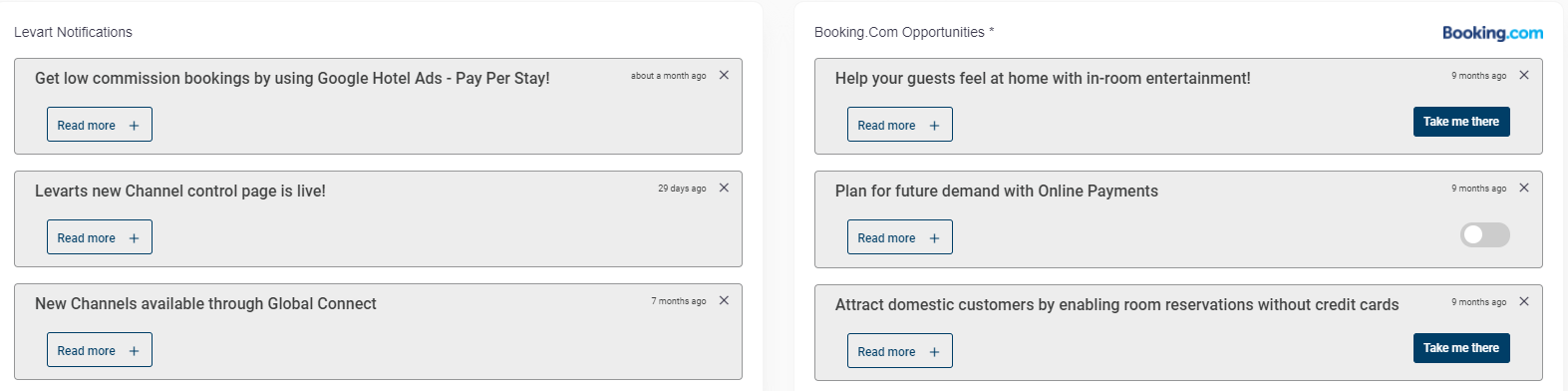
There are 3 levels of notifications you may see – low, moderate and critical – which display in different areas.
Critical and Moderate level notifications are displayed towards the top of the page, above the bookings graph.

Other general/low level notifications as well as Booking.com Opportunities are displayed under the bookings graph.
Expiry Notifications
The notifications will appear if you have any expired specials, rates or promo codes (meaning they can’t be booked), as well as disabled channels. Click on the notification to see the full list.

Booking Trends
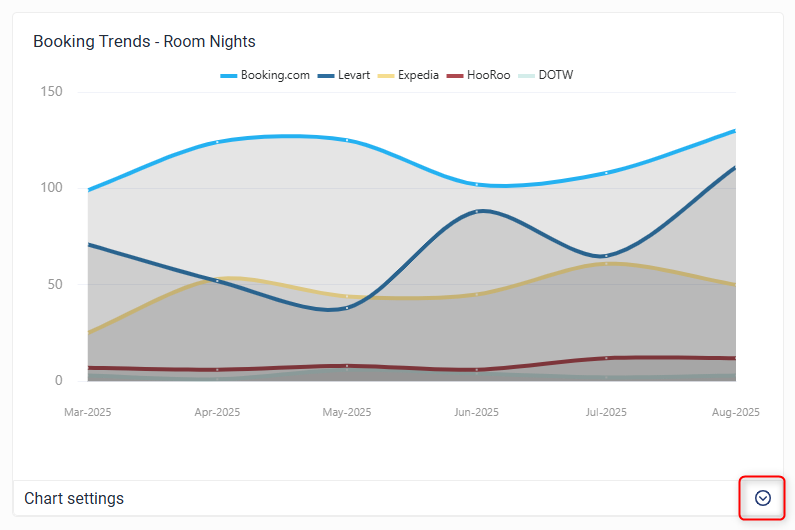
The booking trends graph gives you an overview of the number of bookings you have received from your top channels over a period of time. You can adjust the settings such as time range and channels by clicking on Chart Settings.
Top Channels
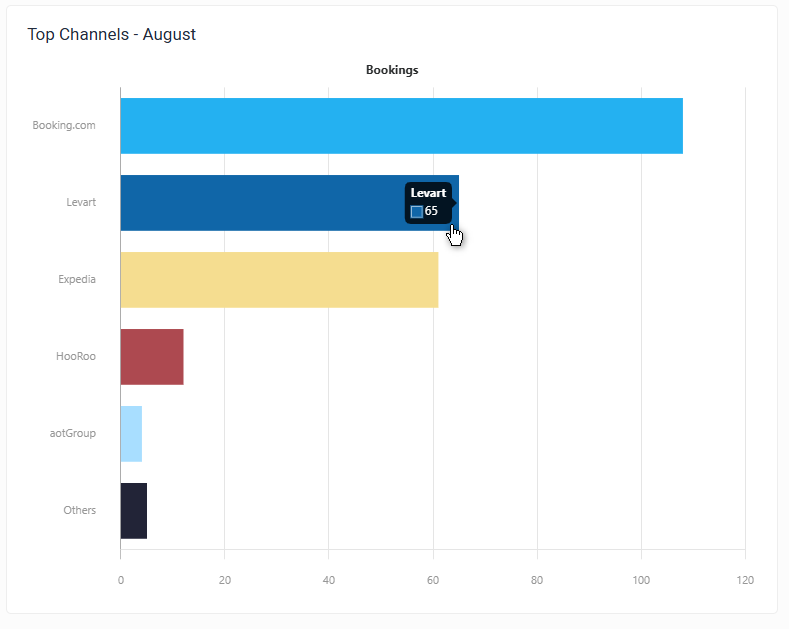
This graph will identify which channels you received the most bookings from in the last full month. Hover over a bar to see the exact number.
Help
Click the question mark to open contextual help for the page that you are on
Support
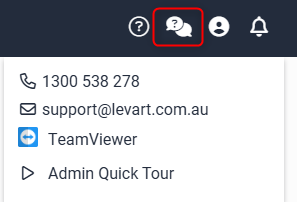
Click the speech bubble icon to view Levart Support contact details or download TeamViewer.
Profile
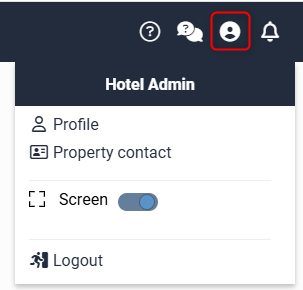
Click Profile to update your login details or change password
Click Property Contact to edit the contact details of any staff at the property. To assist Levart in the provision of the best possible service it is important that we have up to date contact information for your property.
The information provided remains confidential between your property and Levart and will not be published or provided to any third parties.
Notifications
Click to view all active notifications from Levart
Please feel free to contact support@levart.com.au if you have any questions or require assistance with your Admin Home Page.